For future tenants and occupiers
Find a rental that fits your everyday life.
Share what matters in your next home, shop or office, from the neighbourhood to your move-in timeline.
For people and businesses searching for a place to rent in Bhopal.
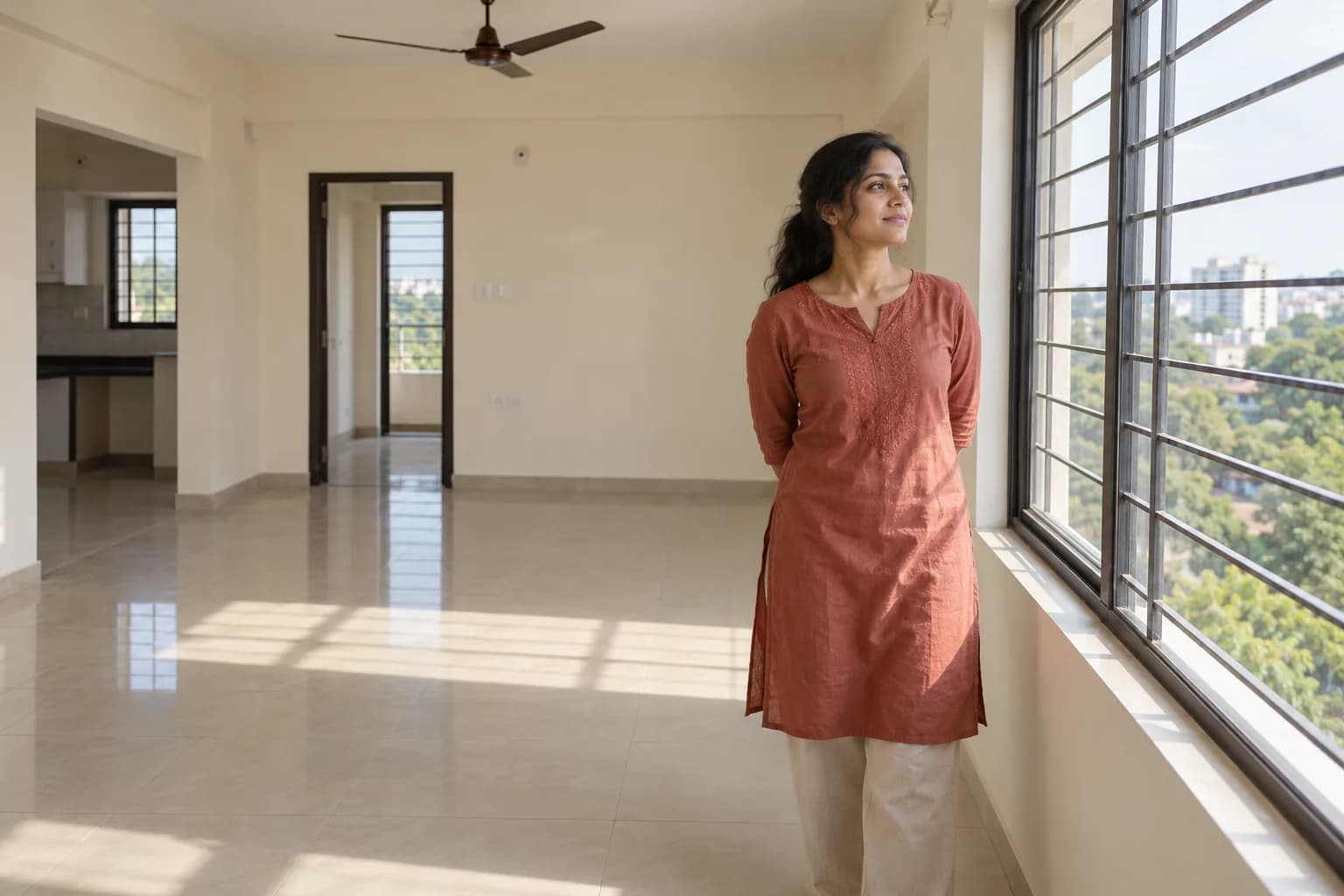
Only approved, available properties appear in the public collection. Share your requirements for review; an enquiry does not reserve a property or confirm a viewing.
What makes a space right for you?
Finding a rental is easier when the requirements are clear. Your preferred area, budget range, type of space and access needs help shape the search. Tell us what is essential and where you have flexibility so the team can discuss a realistic next step.
Understand your requirements
Start with residential or commercial use, preferred localities, approximate size and the timeline. Include essential amenities or access needs.
Discuss available options
The team reviews your requirements against approved, available properties. We do not present private managed properties as public inventory.
Coordinate viewings
A proposed visit depends on property availability and approved access. Confirm the details before travelling.
Review the tenancy
Discuss rental terms, deposit, agreement and move-in records before accepting a tenancy. Each party completes the required approvals.
Move into your portal
Once a tenancy and account access are active, use the customer portal for rent dues, tenancy information and property repair requests.
Enquire, visit, agree, move in.
The details, access and approvals are agreed before the next step.
Tell us your brief
Choose a preferred area and describe your requirements.
Check the fit
Review relevant availability with the team, without assuming a match is guaranteed.
View and decide
Confirm a viewing, assess the space and discuss the proposed terms.
Complete the move-in
Finish the approved tenancy and handover process before access is activated.
Already a tenant or managed rental owner? Keep property repairs, approvals and history together in your customer portal.
Open your portalScope & fees
Rental terms, without assumptions.
What we agree
Ask about any placement or service fees before agreeing to a viewing or tenancy. Rent, deposit and OwnSpaze service fees are separate matters and are not collected in this form.
Important limits
- A guaranteed property match or availability
- A reservation or tenancy created by submitting this form
- Repairs to an existing managed tenancy through public intake
Your enquiry is a request for review. Availability, appointments and fees need confirmation. No payment is taken here.
Your next step
Tell us what you’re looking for.
Just your area and a way to reach you. We’ll work through the details together.
Tell us your preferred area in Bhopal. We do not need your current address or device location. Coverage and capacity are reviewed individually.
Helpful before we speak
- Preferred locality and acceptable nearby areas
- Budget range and residential or commercial use
- Move-in date and expected duration
- Essential layout, parking or accessibility needs
Share what you know; these are discussion points, not additional required fields. Keep identity documents, bank details and access codes out of your note.
Your rental search, explained.
Where can I see available properties?
Use Find a property to explore published listings. If nothing matches your preferences, share your requirements for review.
Do I need an exact map location?
No. For a rental search, we collect your preferred area. An area search result is not treated as the location of a property you already occupy.
Can a company rent an office?
Yes, choose commercial and explain the business use and authorised contact. Suitability and representation must be reviewed.
I already rent through OwnSpaze. Where do I go?
Open your customer portal for rent records, tenancy updates and repairs. This page is for a new rental search.