One-time care · Homes, shops & offices
Care for your AC and everyday appliances.
Request AC servicing or appliance issue assessment with the equipment, access and work requirements clear from the start.
For standalone AC and appliance care where a suitable service partner and parts are available.
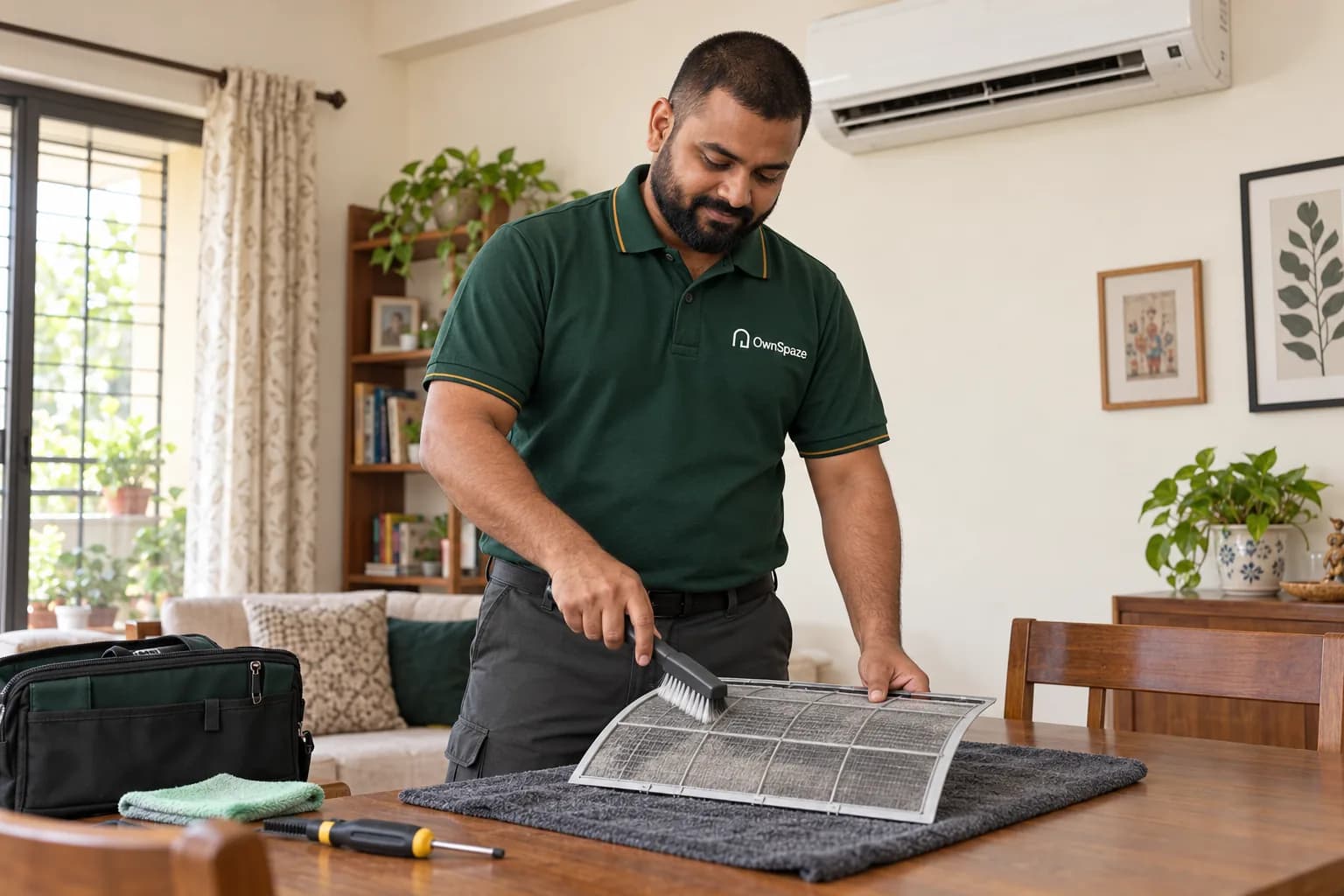
Routine care or a breakdown?
Planning routine care
Discuss the equipment, number of units, service history and access. Routine maintenance has its own agreed checklist.
Something isn’t working
Describe what you have noticed. The model, fault, parts and specialist capability need review before a repair is accepted.
The equipment shapes the work.
Different equipment needs different expertise. Tell us the appliance type, make or model if known and what you have noticed. A routine service and a breakdown need different scopes, so we review the requirement before agreeing the visit.
AC service requirements
Discuss unit type, number of units, last service if known and access to indoor and outdoor equipment.
Appliance issue assessment
Describe the appliance, symptoms and any displayed error. Capability and brand suitability are checked before acceptance.
Parts and repair proposals
If a repair is appropriate, review the proposed parts, labour and any limitations before authorising it.
Access and work planning
Identify installation height, confined areas and permitted visit windows, especially in occupied or commercial premises.
Check capability, then agree the visit.
The details, access and approvals are agreed before the next step.
Share the equipment and symptoms
Tell us what needs attention. Choose the service and share your area and contact details. A short note is optional; the team can collect the address and other details later.
Agree assessment terms
Agree the assessment. The team checks locality, suitability and access. If a visit is needed to understand the work, the visit terms and any assessment charge are explained first.
Review parts and repair scope
Approve the scope and quote. Review the proposed work, labour, materials, exclusions and timing. Additional work needs a revised discussion and your approval before it proceeds.
Confirm work and review
Complete and review. Once a visit is confirmed, provide the agreed access. Check the completed work against the approved scope and raise any issue with the team.
Scope & fees
Service, diagnosis and parts are distinct.
What we agree
Routine service, diagnosis, parts and repair labour are distinct items. Brand, fault and access affect scope. Confirm any assessment fee and quote before a visit or repair is booked.
Important limits
- A promise to support every appliance brand or model
- Parts availability, warranty coverage or manufacturer-authorised status by default
- Automatic gas refilling or replacement without assessment
Your enquiry is a request for review. Availability, appointments and fees need confirmation. No payment is taken here.
Already a tenant or managed rental owner? Keep property repairs, approvals and history together in your customer portal.
Open your portalBefore the equipment visit.
Can I request routine AC servicing?
Yes. Tell us the unit type and count, and whether there is also a performance issue.
Will you bring a replacement part immediately?
Parts are not assumed to be in stock or included. Identification and availability may require assessment first.
What if my appliance is under warranty?
Mention the warranty. Check manufacturer requirements before authorising third-party work; OwnSpaze does not claim manufacturer approval.
Your next step
Tell us about your equipment.
Just your area and a way to reach you. We’ll work through the details together.
Tell us your area in Bhopal. The detailed address and access can be confirmed later. Coverage and capacity are reviewed individually.
Helpful before we speak
- Appliance type, make and model if available
- Symptoms or error code, without sensitive account details
- Unit count and access to installed equipment
- Warranty status and any prior service history
Share what you know; these are discussion points, not additional required fields. Keep identity documents, bank details and access codes out of your note.